
LINE photo consultation
Send photos directly on LINE
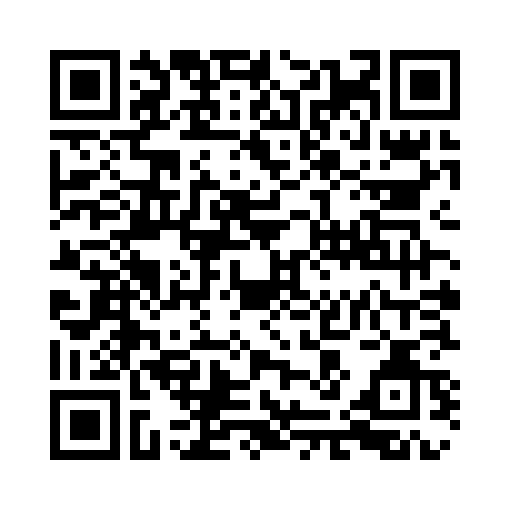
On a smartphone, the button opens LINE directly. On a computer, it displays a QR code that you can scan with your phone.
Site inspection and quotations are free.
One more tap to start
We have prepared the first message
“I saw your website and would like to ask for advice.”
- 1.Open LINE with the button belowScan the QR code, or open LINE with the button below
- 2.Send the prepared message
- 3.You can send photos next
If the chat opens, you can send the message directly. Add the official account only if LINE asks you to.
Open LINE with the messageYou can also contact us without LINE
Use the form on this device, or call us if the matter is urgent. Telephone support is mainly in Japanese.
Reception hours: 7:30 a.m.–6:00 p.m. (holiday service available) / Site inspection and quotations are free.